Market and Octavia
QuickTime users may need to save MPEG-4 files to disk and then open them within QuickTime Player.
1. NE on Market (from W corner)

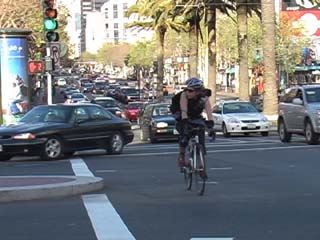
1:33: low-res Windows Media or
MPEG-4 (6 MB)
| high-res MPEG-2 (50 MB)
2a. NE on Market (from NE corner) - obstacles

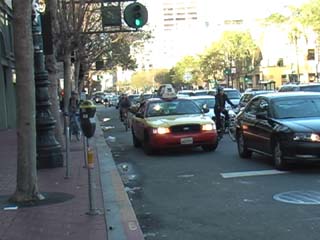
3:57:low-res Windows Media or
MPEG-4 (15 MB)
| high-res MPEG-2 (126 MB)
1:37 highlights: low-res Windows Media or
MPEG-4 (6 MB)
| high-res MPEG-2 (52 MB)
2b. NE on Market (from NE corner) - turns
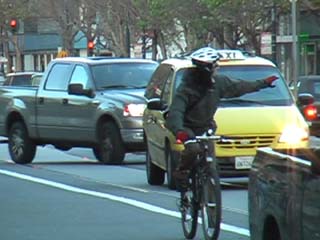
4:46: low-res Windows Media or
MPEG-4 (17 MB)
| high-res MPEG-2 (152 MB)
3. NE on Market (from S corner)

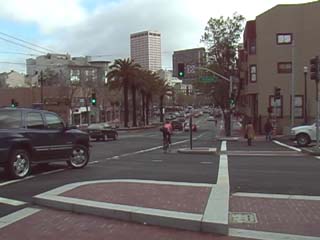
2:03: low-res Windows Media or
MPEG-4 (7 MB)
| high-res MPEG-2 (65 MB)
4. NE on Market (before S corner)

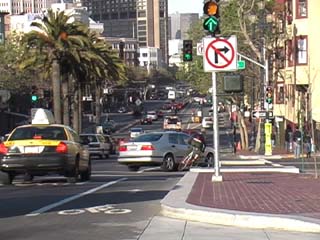
2:46: low-res Windows Media or
MPEG-4 (10 MB)
| high-res MPEG-2 (89 MB)
0:15 collision: low-res Windows Media or
MPEG-4 (1 MB)
| high-res MPEG-2 (8 MB)
5. N on Octavia (from S corner)

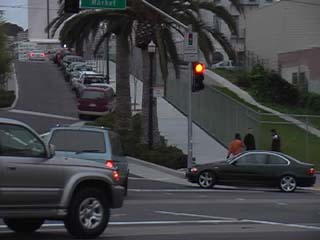
3:04: low-res Windows Media or
MPEG-4 (11 MB)
| high-res MPEG-2 (98 MB)
Greg Rodgers, Frank Chan
March 2006